
Introduction
As video becomes the dominant format for communication across digital platforms, professionals are increasingly looking for efficient ways to convert traditional presentation materials into video content. PowerPoint slides, while still widely used, often lack the engagement required for modern audiences.
FlexClip’s AI PPT to Video tool is designed to address this gap by automating the process of turning slide-based presentations into video format. This review examines its core features, usability, performance, and overall effectiveness.
Key Features
Automated Slide-to-Video Conversion
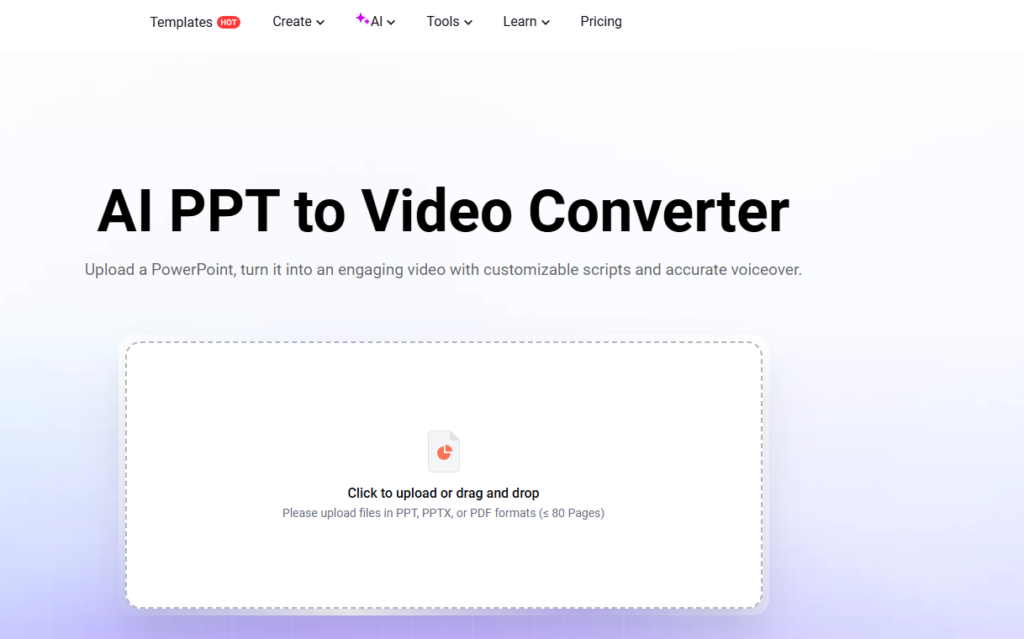
The primary function of FlexClip’s AI PPT to Video tool is to convert PowerPoint files into structured video sequences. Once a presentation is uploaded, the system processes each slide and transforms it into an individual scene.
Transitions between slides are applied automatically, ensuring a smooth flow throughout the video. This eliminates the need for manual timeline editing, which is typically required in traditional video software.
AI Voiceover Integration
One of the most valuable features is the built-in AI voiceover system. The tool extracts text from slides and converts it into spoken narration using text-to-speech technology.
Users can choose from a wide range of voice options and languages, making it suitable for international use. The ability to generate narration without recording audio significantly reduces production time.
Editing and Customization Options
Although the tool emphasizes automation, it also includes a set of editing features that allow users to refine their videos.
These include:
- Adjusting scene duration
- Adding background music
- Modifying transitions
- Inserting additional text or media elements
While the editing capabilities are not as advanced as professional video editing software, they are sufficient for most presentation-based videos.
Export Quality and Format
FlexClip supports multiple export resolutions, including high-definition options such as 1080p and 4K. The videos are exported in MP4 format, ensuring compatibility across devices and platforms.
This makes it easy to share videos on social media, websites, or internal systems without additional processing.
User Experience
The overall user experience is straightforward and beginner-friendly. The platform operates entirely in a web browser, removing the need for software installation.
The workflow typically involves three steps:
- Upload the presentation
- Generate the video using AI
- Edit and export
The interface is intuitive, allowing users to complete the process with minimal effort.
Performance Evaluation
In terms of performance, FlexClip delivers consistent and reliable results. The conversion process is fast, and the generated videos maintain the structure and clarity of the original slides.
The AI voiceover performs well for general use cases, though minor adjustments may be required for more complex content.
Overall, the tool is optimized for efficiency rather than advanced production.
Advantages
- Fast and automated workflow
- Built-in AI narration
- Easy to use for beginners
- High-quality video export options
- No installation required
Limitations
- Limited advanced editing features
- AI-generated voice may require refinement
- Output quality depends on slide design
Conclusion
FlexClip’s AI PPT to Video tool offers a practical solution for converting presentations into video content. By combining automation with essential editing features, it simplifies a process that would otherwise require significant time and technical expertise.
For educators, marketers, and business professionals, the tool provides a convenient way to repurpose existing materials into engaging video formats. While it may not replace professional editing software, it serves as an efficient and accessible alternative for everyday use.