
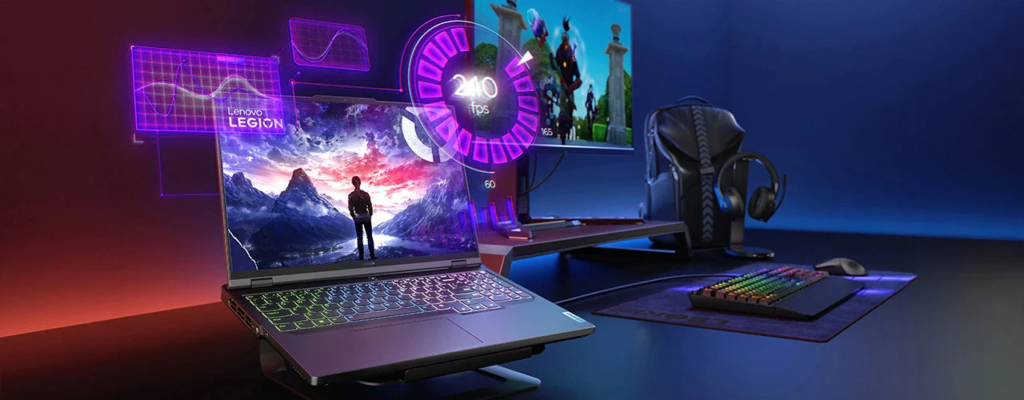
AI laptops are designed with advanced hardware and intelligent software that work together in real-time.
An industry report predicts that the AI PC market share will reach 55% by 2026.
This number continues to rise as games and creative apps demand more local processing power. These laptops do more than basic computing. They analyze workloads and adjust performance in real-time.
Gamers benefit from stable frame rates and low latency. Creators enjoy faster renders and smooth editing. Everything happens on the device without relying on the cloud. This makes AI laptops reliable and fast. One system now supports gaming, streaming, editing, and design.
That balance of power and efficiency explains why AI laptops stand out as true all-rounders for gamers and creators.
Let’s check it out!
1. Dedicated AI Processor Boost Performance
AI laptops include NPUs that handle machine learning tasks directly on the device. This removes load from the CPU and GPU. Performance stays stable even during heavy gaming or rendering sessions. In an AI laptop, games run smoother because background AI tasks do not interrupt gameplay. Creative apps also respond more quickly since AI features are processed on separate hardware.
How NPUs Help Daily Tasks
NPUs process AI workloads, such as scene detection and motion tracking, at low power levels. This improves both speed and efficiency simultaneously. This setup provides gamers and creators with consistent power, eliminating slowdowns.
- Real-time upscaling in games.
- Faster object selection in design tools.
- Stable performance during multitasking.
2. AI-Driven GPU Optimization
Modern AI laptops pair powerful GPUs with intelligent software control. The system monitors workload type and instantly allocates GPU resources. During gaming, the GPU focuses on frame rendering and ray tracing.
During creation, it prioritizes compute tasks, such as encoding and effects. This smart switching improves output quality and speed. These features enable one GPU to support both high-end gaming visuals and precise creative work
Technical Gains From GPU AI Control
- Dynamic resolution scaling.
- AI-based noise reduction.
- Faster video encoding.
3. Real-Time Frame and Latency Control
AI-integrated laptops utilize predictive algorithms to optimize frame pacing. This reduces stutter and input delay. Gamers feel smoother control and faster response. Creators see accurate previews while editing timelines. AI models analyze system load and adjust refresh rates instantly. This keeps motion smooth even in complex scenes.
4. Intelligent Memory Management
Memory control is key for gaming and creative tasks. AI laptops use smart systems to predict what data you need next. Files are loaded before you request them. Games load levels faster and avoid freezes.
Creative apps open large projects smoothly. You can switch apps without delay. The system assigns memory where it matters most. This keeps everything running without stress.
Memory Optimization Benefits
Smart memory use enhances daily experiences in numerous ways. This allows long gaming sessions and heavy editing without slowdown.
- Faster loading times
- Smooth multitasking
- Stable system behavior
5. Advanced Thermal Control Systems
High performance creates heat. AI laptops control heat using sensors and learning models. The system studies usage patterns and predicts heat spikes. Fans adjust speed before temperatures rise. Power flow shifts to cooler areas of the system.
This keeps the laptop cool and quiet. Performance stays steady even during long gaming or rendering tasks. You avoid sudden drops in speed. Comfort also improves because the device stays cooler to the touch.
Smart Cooling in Action
- AI predicts heat spikes.
- Fans respond before temperatures rise.
- Performance stays stable longer.
Gamers can play longer sessions, and creators can render heavy projects without throttling.
6. AI-Accelerated Creative Software
Creative apps now rely on AI features more than ever. AI laptops support these features directly through hardware. Video effects render faster. Image cleanup happens in real time. Audio tools remove noise instantly.
You see results as you work. This saves time and improves accuracy. Creators spend more time creating and less time waiting. AI acceleration also maintains high quality, even on complex projects.
Creator-Focused Technical Features
- Hardware-accelerated video effects.
- AI-based color correction.
- Real-time preview rendering.
These tools enable creators to work faster and with greater accuracy.
7. Unified Platform for Work and Play
AI laptops integrate a CPU, GPU, NPU, memory, and storage into a single, balanced system. All parts communicate efficiently. The system knows when you game and when you create. Resources shift automatically to match your task.
You can play a game and then edit a video without needing to change settings. This flexibility saves time and effort. One device handles many roles without compromise. This makes AI laptops practical and future-ready.
- One system for multiple workloads.
- No manual performance tuning needed.
- Stable output across tasks.
This makes AI laptops cost-effective and future-ready.
Conclusion
AI laptops combine advanced computing with a compact design. Dedicated NPU smart GPU control, intelligent memory, and thermal systems all work together. Gamers get smooth visuals, low latency, and stable frame rates. Creators get faster renders, clean previews, and responsive tools.
Every technical layer supports efficiency and power at the same time. This balance makes AI laptops more than just fast machines. They become reliable partners for both play and creation. For users who want one device that handles everything, AI laptops truly stand as the ultimate all-rounders for gamers and creators.